
Unlock the full potential of Facebook Ads Manager with this practical guide, from account setup to advanced targeting, budgeting, and analytics. Built for marketers who want results, not theory.

Understanding the Facebook Ads Ecosystem
Navigating the Facebook Ads ecosystem can seem daunting at first, but understanding its structure is the first step to mastering it. Facebook’s advertising landscape spans Facebook, Instagram, Messenger, and the Audience Network, each with unique features and audience demographics that let you tailor campaigns for maximum impact.
Facebook Ads Manager is the central hub for creating, managing, and analysing your campaigns across all these platforms. It’s designed to be user-friendly yet powerful, with tools to help you target the right audience, set budgets, and measure performance. The platform’s algorithm considers user behaviour, engagement rates, and ad relevance to determine which ads reach which users, understanding this is key to getting results.
Setting Up Your Facebook Ads Account

Before creating your first campaign, you need to set up your Facebook Ads account correctly. Start by accessing Facebook Business Manager, the parent platform for all Facebook business tools, including Ads Manager.
Inside Business Manager, navigate to Ad Accounts and click Create New Ad Account. Fill in your business name, time zone, and currency, double-check these, as they affect how performance is reported and how you’re billed. Then add your payment method (credit card, PayPal, or direct debit depending on your region).
Finally, set up team roles: Admin, Advertiser, and Analyst each have different access levels. Assigning the right roles keeps your account secure while allowing your team to collaborate efficiently.
Key Features of Facebook Ads Manager
Ads Manager packs several powerful features you should know inside out:
- Audience Insights, deep demographic, interest, and behaviour data to inform your targeting
- Ad Creation Tool, step-by-step guidance through formats: image, video, carousel, collection, and more
- Analytics & Reporting, track reach, engagement, conversions, and ROAS; build custom reports; set automated alerts
Creating Your First Ad Campaign
Every campaign starts with choosing an objective, the goal you want Facebook’s algorithm to optimise for. Common objectives include:
- Brand Awareness
- Traffic
- Engagement
- Lead Generation
- Conversions
Your objective must align with your business goal. Once selected, you move to the ad set level, where you define your audience, placements, budget, and schedule. Then at the ad level, you upload creative assets, write copy, and set your call-to-action. Review everything, then hit Publish.
Targeting Your Audience Effectively

Targeting is where Facebook advertising gets its real edge. Build your audience in layers:
- Core Audience, age, gender, location, language
- Interest & Behaviour Targeting, hobbies, online activity, purchase behaviour
- Custom Audiences, upload your customer list, retarget website visitors or app users
- Lookalike Audiences, Facebook finds users who share traits with your best customers
The golden rule: a smaller, highly targeted audience outperforms a large, unfocused one every time.
Budgeting and Bidding Strategies

Facebook offers two budget types:
- Daily Budget, a fixed amount spent each day; good for ongoing campaigns
- Lifetime Budget, total spend distributed across the campaign duration; good for fixed-period promotions
For bidding, beginners should start with Automatic Bidding, Facebook optimises bids to get the most results at the best price. Once you understand your cost metrics, move to Manual Bidding to set maximum CPA or CPM targets. For e-commerce, Value-Based Bidding optimises toward the highest-value conversions, maximising ROAS.
Analysing Campaign Performance
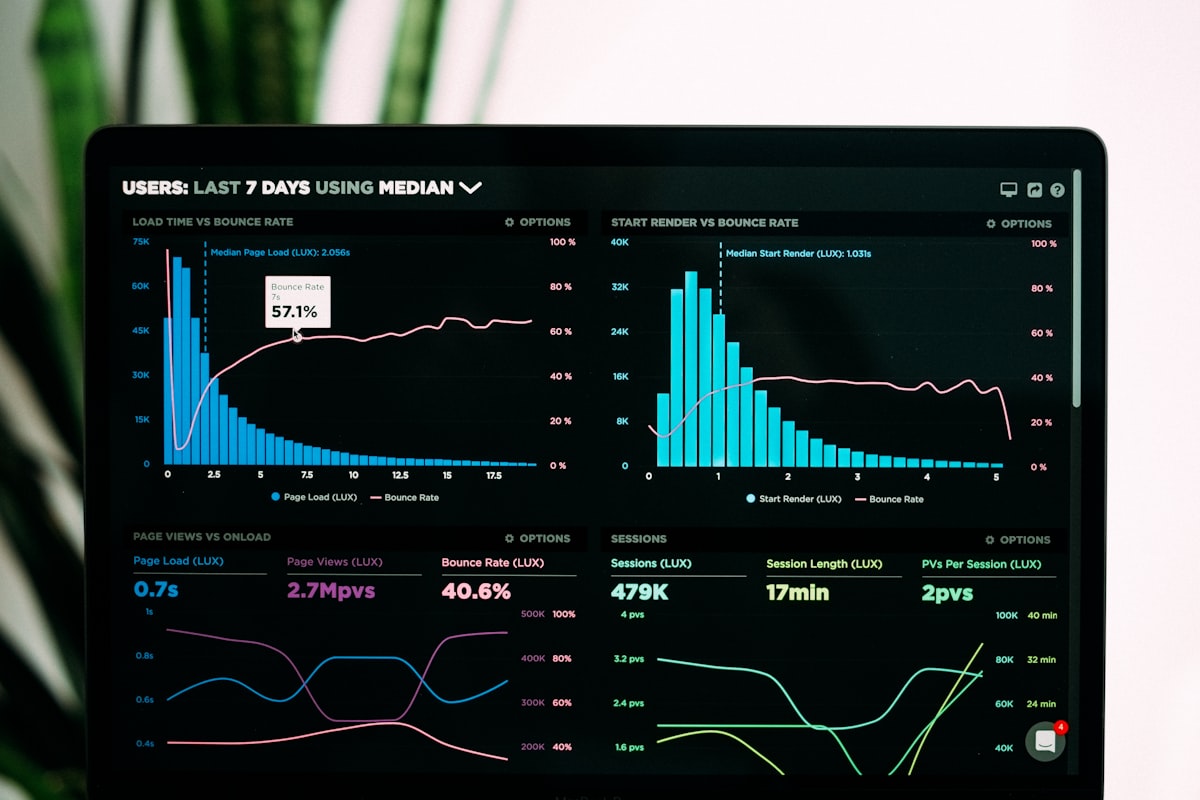
Data is your competitive advantage. Inside Ads Manager, customise your dashboard to surface the KPIs that matter most: reach, impressions, CTR, CPC, conversions, and ROAS. Create saved custom reports for weekly reviews, and set automated alerts for significant metric changes so nothing slips through.
The most underused feature? A/B Testing (Split Testing). Test one variable at a time, ad creative, copy, audience, or placement, let the data tell you what works, and double down on the winner. This iterative approach is how experienced advertisers continuously improve performance.
Common Mistakes to Avoid
These three mistakes cost advertisers money every day:
- No clear objective, without a defined goal, you can’t measure success or optimise toward it
- Poor audience targeting, broad audiences waste budget; take time to layer your targeting properly
- Set it and forget it, Facebook’s algorithm and user behaviour shift constantly; review performance weekly and adjust
Next Steps
Mastering Facebook Ads Manager is a progression, not a one-time setup. Start with a clear objective, build a targeted audience, monitor your analytics, and run A/B tests consistently. Each campaign teaches you something new about your audience and what drives them to act.
The advertisers who win on Meta are the ones who treat every campaign as a learning opportunity. Follow the framework in this guide, stay data-driven, and your results will compound over time.